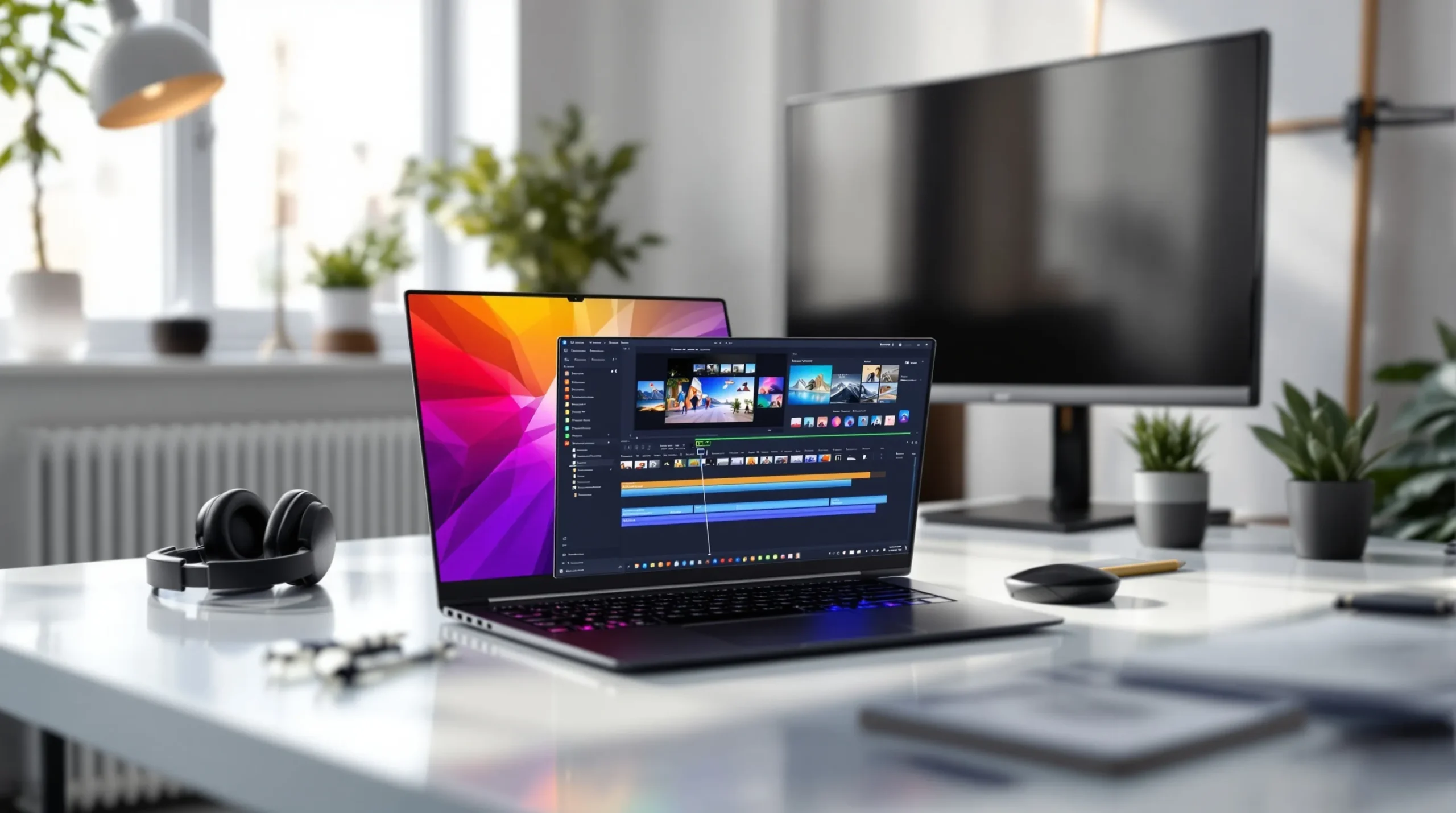
Picture this: You just pulled off a wild 1v4 clutch in Valorant. Your heart’s pounding, your hands are shaking, and you know this is the moment you want to share with the world. But when you open your gaming video editor, you freeze. Where do you even start? If you’ve ever felt lost staring at a timeline full of raw gameplay, you’re not alone. Editing gaming videos can feel like trying to solve a puzzle with a thousand moving pieces—except the pieces are your best plays, your funniest fails, and the moments that make your channel unique.
Why a Gaming Video Editor Matters
Let’s be real: Raw gameplay rarely goes viral. The difference between a forgettable upload and a video that racks up views often comes down to editing. A good gaming video editor helps you cut the boring bits, highlight the action, and add personality. It’s the secret sauce behind every montage, meme, and tutorial that keeps viewers coming back.
But here’s the part nobody tells you: The right editor isn’t just about flashy effects. It’s about speed, workflow, and how much fun you have making content. If editing feels like a chore, you’ll burn out fast. If it feels like play, you’ll keep leveling up your videos—and your channel.
What Makes a Great Gaming Video Editor?
Not all editors are created equal. Some are packed with features you’ll never use. Others are so simple they leave you wanting more. Here’s what actually matters when you’re picking a gaming video editor:
- Fast import and export: Nobody wants to wait an hour for a video to render.
- Easy timeline controls: Drag, drop, trim, and split clips without a headache.
- Built-in effects: Think slow-mo, zooms, memes, and sound effects that fit gaming culture.
- Support for high frame rates: If you’re recording at 60fps or higher, your editor should keep up.
- Templates and presets: Save time with ready-made intros, outros, and overlays.
- Audio editing: Clean up your mic, add music, and balance game sounds so nothing drowns out your voice.
If you’re just starting, don’t get distracted by pro-level features. Focus on what helps you tell your story and share your best moments.
Popular Gaming Video Editors: Pros, Cons, and Surprises
Let’s break it down. Here are some of the most popular gaming video editors, with real talk on what works and what doesn’t:
1. OBS Studio (with Plugins)
OBS isn’t just for streaming. With the right plugins, you can record, cut, and even add basic effects. It’s free, open-source, and surprisingly powerful. But editing in OBS can feel clunky if you want more than simple cuts.
2. Adobe Premiere Pro
This is the editor you’ll see in pro YouTuber setups. It’s packed with features, supports every format, and has endless tutorials. The downside? It’s expensive and can overwhelm beginners. If you love tinkering and want total control, Premiere Pro is a solid pick.
3. DaVinci Resolve
DaVinci Resolve offers a free version with pro-level color grading and effects. It’s great for cinematic montages and dramatic edits. The learning curve is real, but the results can be stunning. If you’re patient and want Hollywood vibes, give it a shot.
4. Shotcut and HitFilm Express
Both are free, user-friendly, and run on most PCs. They cover the basics—cutting, transitions, text, and some effects. If you’re on a budget or just starting, these editors get the job done without fuss.
5. Clipchamp and CapCut
These browser-based editors are perfect for quick edits and social media clips. They’re simple, fast, and don’t require a beefy PC. The trade-off? Fewer advanced features and less control over details.
Here’s the truth: The best gaming video editor is the one you’ll actually use. If you dread opening your editor, try something simpler. If you crave more control, don’t be afraid to upgrade.
Editing Tips: From Raw Footage to Epic Content
Editing isn’t just about cutting out dead air. It’s about telling a story—even if that story is “watch me get destroyed by a 12-year-old with perfect aim.” Here’s how to make your gaming videos pop:
- Start with a hook: Grab attention in the first five seconds. Show your best play, a funny fail, or a wild reaction.
- Keep it tight: Cut out loading screens, menus, and anything that drags. Every second should add value.
- Add context: Use text, voiceover, or quick cuts to explain what’s happening. Don’t assume viewers know the game as well as you do.
- Use music and sound effects: The right track can turn a good clip into a great one. Just keep the volume balanced.
- Show your personality: Add memes, jokes, or reactions. Let viewers see who you are, not just what you play.
- End with a call to action: Ask viewers to like, comment, or subscribe. Make it fun, not desperate.
If you mess up, leave it in. Some of the best moments come from mistakes. Viewers love seeing the real you, not just the highlight reel.
Who Should Use a Gaming Video Editor?
If you want to share your gameplay, grow a channel, or just make your friends laugh, a gaming video editor is for you. But if you hate editing, or you’d rather stream live, that’s okay too. Not every gamer needs to become a video editor. The key is to find what makes you excited to create.
Here’s the part nobody tells you: You don’t need the fanciest software or the fastest PC. You need curiosity, a sense of humor, and the guts to hit upload—even if your first video isn’t perfect.
Next Steps: Level Up Your Editing
Ready to try a gaming video editor? Start small. Edit a single clip. Add a meme. Share it with a friend. Each time you edit, you’ll get faster and more creative. Don’t compare your first video to someone’s hundredth. Everyone starts somewhere.
If you want to go deeper, check out YouTube tutorials for your chosen editor. Join Discord servers or Reddit threads where creators swap tips. The gaming community is full of people who’ve made every mistake—and learned from them.
Your gameplay deserves to be seen. With the right gaming video editor, you can turn those wild moments into content that makes people laugh, cheer, and hit replay. So grab your footage, fire up your editor, and start creating. The next viral clip could be yours.