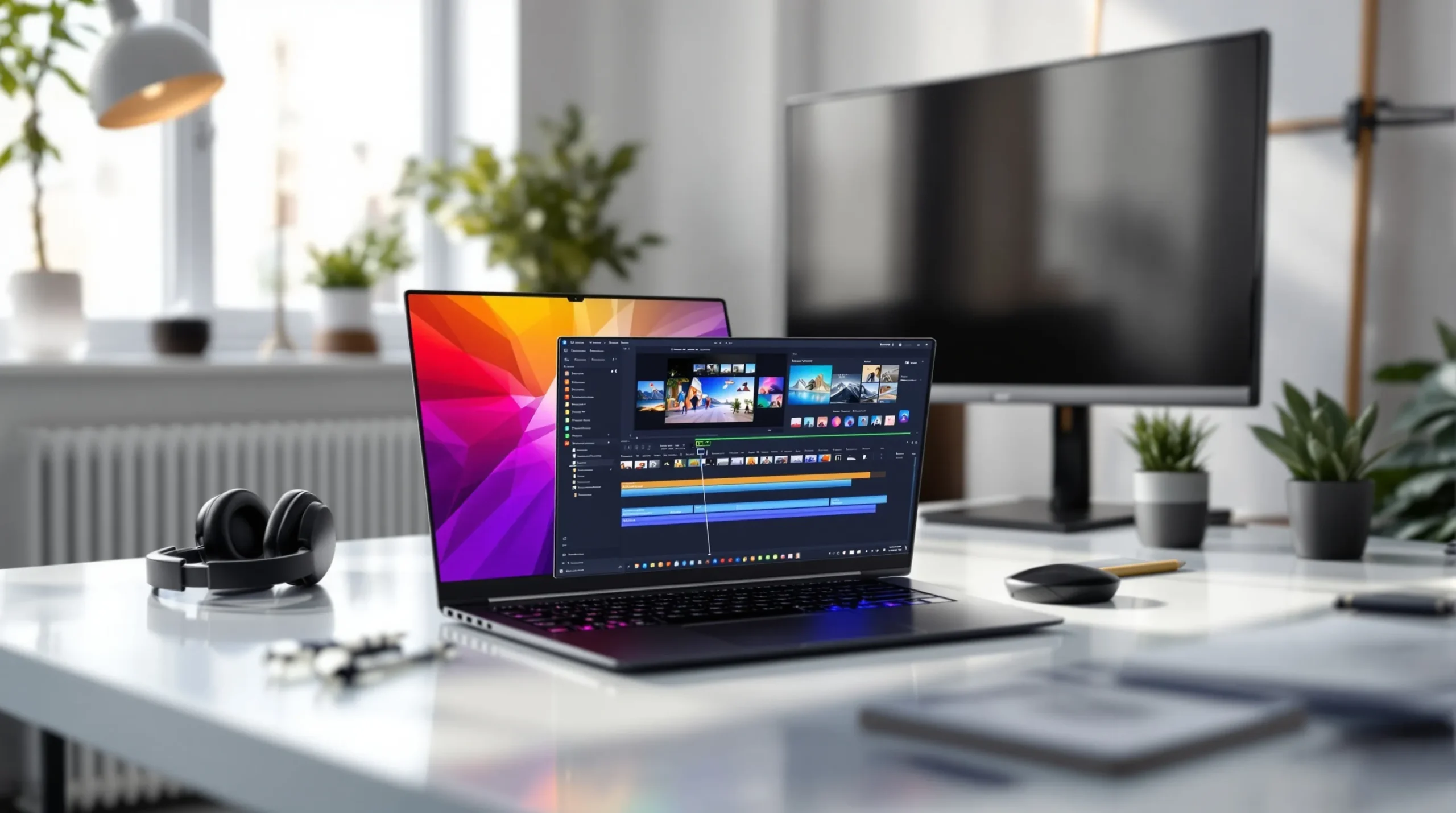
A gaming video editor must speed up editing and keep quality high. The writer explains what to look for in a gaming video editor and how teams can cut pro-level gameplay fast. The article lists core features, workflow essentials, and quick speed tips. The tone stays clear and confident. The reader will get practical steps they can apply right away.
Key Takeaways
- A great gaming video editor in 2026 balances speed, high-quality output, and collaboration to help creators publish content efficiently.
- Look for gaming video editors that support high-frame-rate footage, GPU acceleration, and common streaming formats like YouTube and Twitch presets.
- Utilize workflow essentials such as proxy creation, timeline markers, batch effects, and fast export presets to speed up editing and maintain precision.
- Collaboration features like shared folders, version history, and review link exports are vital for team productivity in gaming video editing.
- Automate routine tasks like thumbnail creation, metadata tagging, and scheduled uploads to maximize content output with less effort.
- Focus on editors that integrate well with capture tools, overlays, and third-party plugins to simplify complex tasks and enhance gameplay videos.
What Makes A Great Gaming Video Editor In 2026
A great gaming video editor saves time and improves video quality. It supports high-frame-rate footage and handles multiple codecs. The editor offers timeline precision, fast scrubbing, and frame-accurate trimming. It exports to common streaming formats and presets for YouTube and Twitch. It also integrates with capture tools and game overlays.
A strong editor reduces render time. It uses GPU acceleration and fast export queues. It keeps audio in sync and offers simple noise reduction. It provides color tools that adjust game footage without heavy grading. It includes motion tracking to pin HUD elements or face-cam windows.
Teams value collaboration features. The editor stores projects in shared folders. It supports version history and simple project locking. It shows comments on the timeline so editors can act fast. It exports proxies so remote editors work on low-bandwidth machines.
Creators want built-in templates. The editor includes animated intros, lower-thirds, and transition packs. It offers scene templates for highlight reels, montages, and tutorials. It allows creators to save custom templates and apply them with one click.
Security and updates matter. The editor receives frequent updates for new codecs and consoles. It protects project files with local backups and cloud sync. The price model fits the creator. It offers a free tier with key features and paid plans for teams.
In short, a top gaming video editor balances speed, quality, and collaboration. It makes complex tasks simple so creators can publish more content.
Top Features And Workflow Essentials
Editors need a predictable workflow. The gaming video editor must support fast import from capture cards and cloud capture. It should create proxies automatically for heavy files. It should allow drag-and-drop timelines and nested sequences. It should let the editor mark plays, add markers, and create subclips.
Good audio tools matter. The editor should offer automatic ducking, noise gates, and simple EQ. It should sync multi-camera and game audio with one click. It should export separate audio stems for streamers who want VOD-only mixes.
Visual tools should include LUTs and quick color balance. The editor should offer simple keyframing and preset motion templates. It should offer GPU-accelerated effects that do not block the timeline. It should allow batch rendering of multiple clips and playlists.
The editor should integrate with chat overlays and alerts. It should export to streaming platforms and schedule uploads. It should create thumbnails quickly using a built-in thumbnail maker or template export. It should connect to analytics tools for title and tag suggestions.
Third-party plugin support helps. The editor should accept common plugin formats and offer a marketplace for transitions and sound packs. It should support game capture formats like .mp4, .mov, and raw .avi from capture devices. It should handle HDR footage and convert to SDR if needed.
Teams should set a clear folder structure. The editor should encourage standard naming conventions and auto-save. The editor should enable proxies to speed editing on laptops. It should allow editors to export review links for fast feedback.
The gaming video editor must reduce friction. It should automate routine tasks, keep file sizes reasonable, and let creators focus on storytelling and highlights.
Speed Tips: From Capture To Cut To Upload
Capture in the right format. The gaming video editor works best with consistent frame rates and codecs. The creator sets capture to 60 fps or 120 fps only when needed. The creator records separate audio tracks for voice and game sound.
Create proxies on import. The editor makes low-res files automatically. The editor links proxies to originals so the editor can cut without lag. The editor switches to originals only at final export.
Use markers and subclips. The editor or the player adds markers for kills, funny moments, and errors. The editor converts markers to subclips to speed assembly. The editor builds a rough sequence with subclips first.
Apply batch effects. The editor applies color and audio presets to several clips at once. The editor uses adjustment layers for global tweaks. The editor renders sections while continuing to edit other parts.
Export smartly. The gaming video editor uses export presets for YouTube and Twitch. The editor chooses two-pass export when quality matters. The editor enables hardware acceleration to shorten export time.
Automate thumbnails and metadata. The editor uses template thumbnails and automatic tag suggestions. The editor schedules the upload to post at peak times.
Review and iterate. The editor shares review links and tags comments on the timeline. The editor makes small fixes and re-exports only the changed segments.
These speed tips help teams use a gaming video editor to publish more content with less effort. The editor streamlines capture, cut, and upload so creators keep their audience engaged.